If you want quick access to Dynamics 365 directly from Microsoft Teams, you can pin it using Teams App Setup Policies.
Steps:
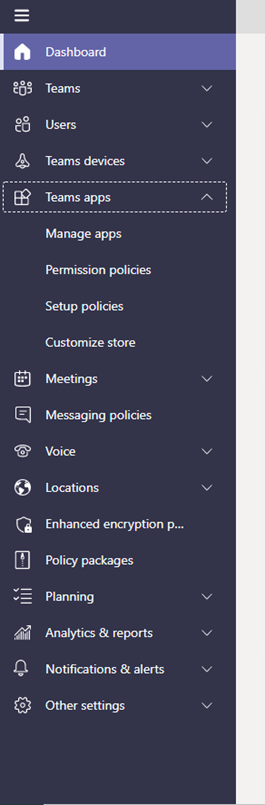
Go to https://admin.teams.microsoft.com and on the left-hand side blade, go to Team Apps > Setup Policies.
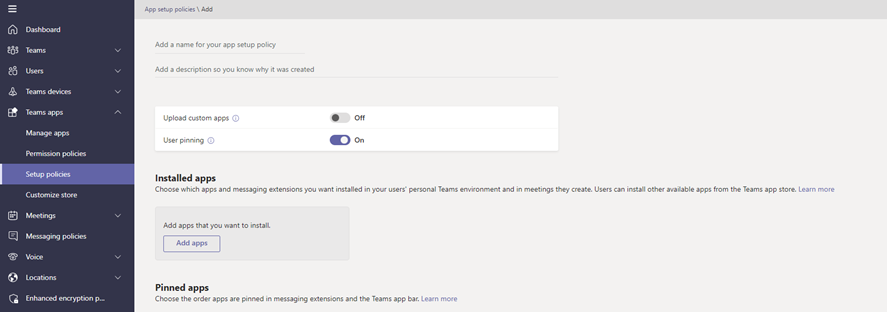
In the Pinned Apps click on Add Apps, find Dynamics 365, and click on Add.
In the Pinned Apps click on Add Apps, find Dynamics 365, and click on Add.
Once added to the list you can move it to the desired location. Note that these changes can take a while to show organization wide.
More details are in this link below:
Official Microsoft Docs: https://docs.microsoft.com/en-us/microsoftteams/teams-app-setup-policies
I hope this helps!